Products

Separate parts, one system

Playout for the studio, an app you can carry, a clock for the wall, a text inbox for listeners' messages, a way to present from anywhere and a radio app to listen on. More is on the roadmap.

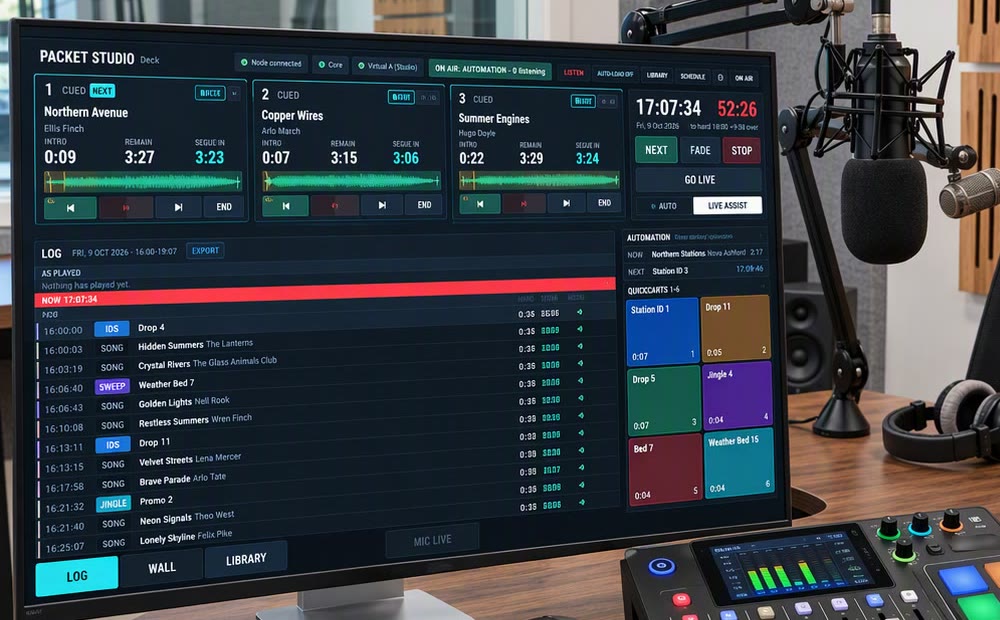
Packet Studio Deck on a studio screen: three chained players, the log, automation and QuickCarts Library, playout and the presenter screen

Packet Studio

Core holds the library and the schedule, Matrix plays the audio and Deck is the presenter's screen. Together they run a station, or a building full of studios.
More about Packet Studio →

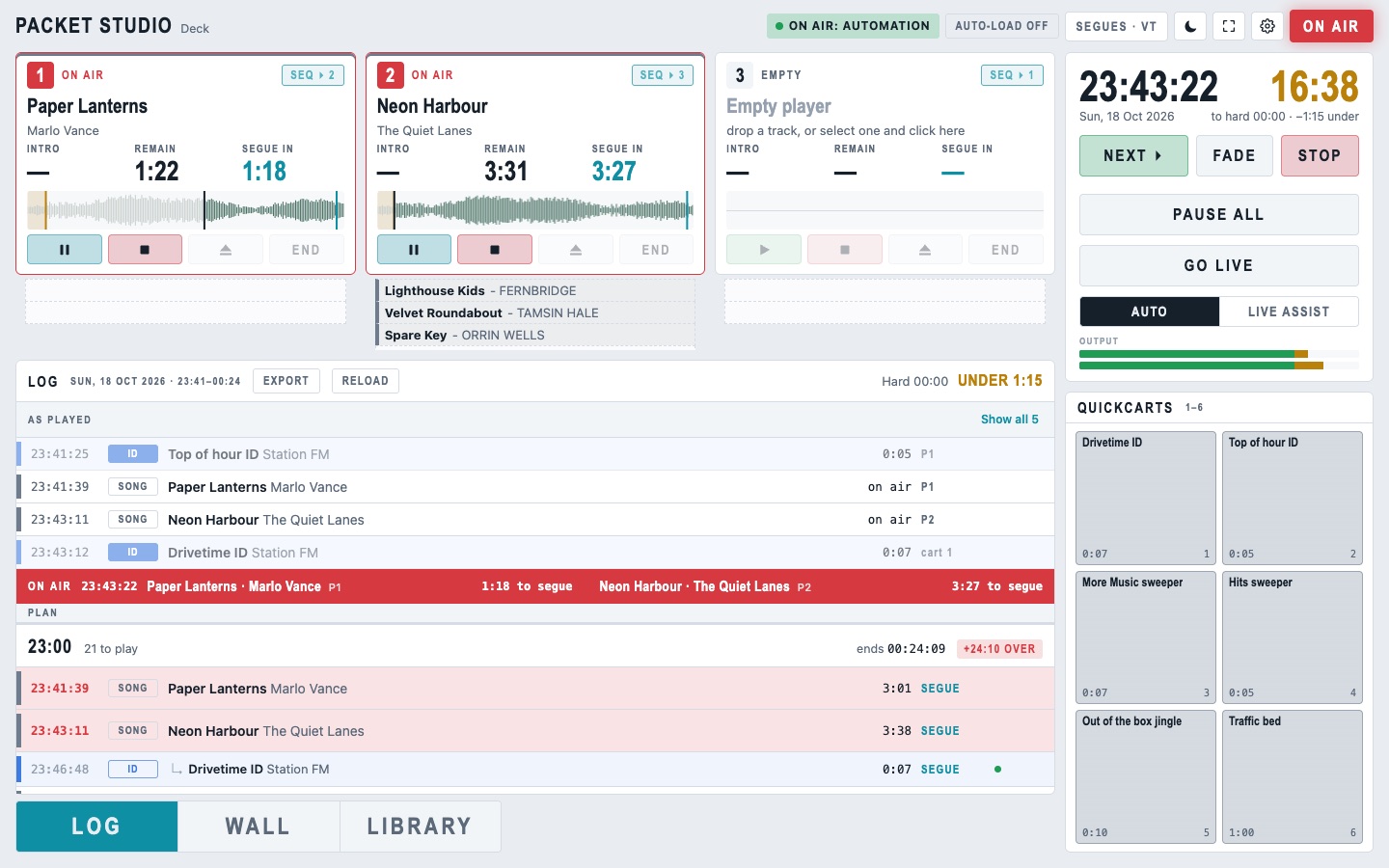
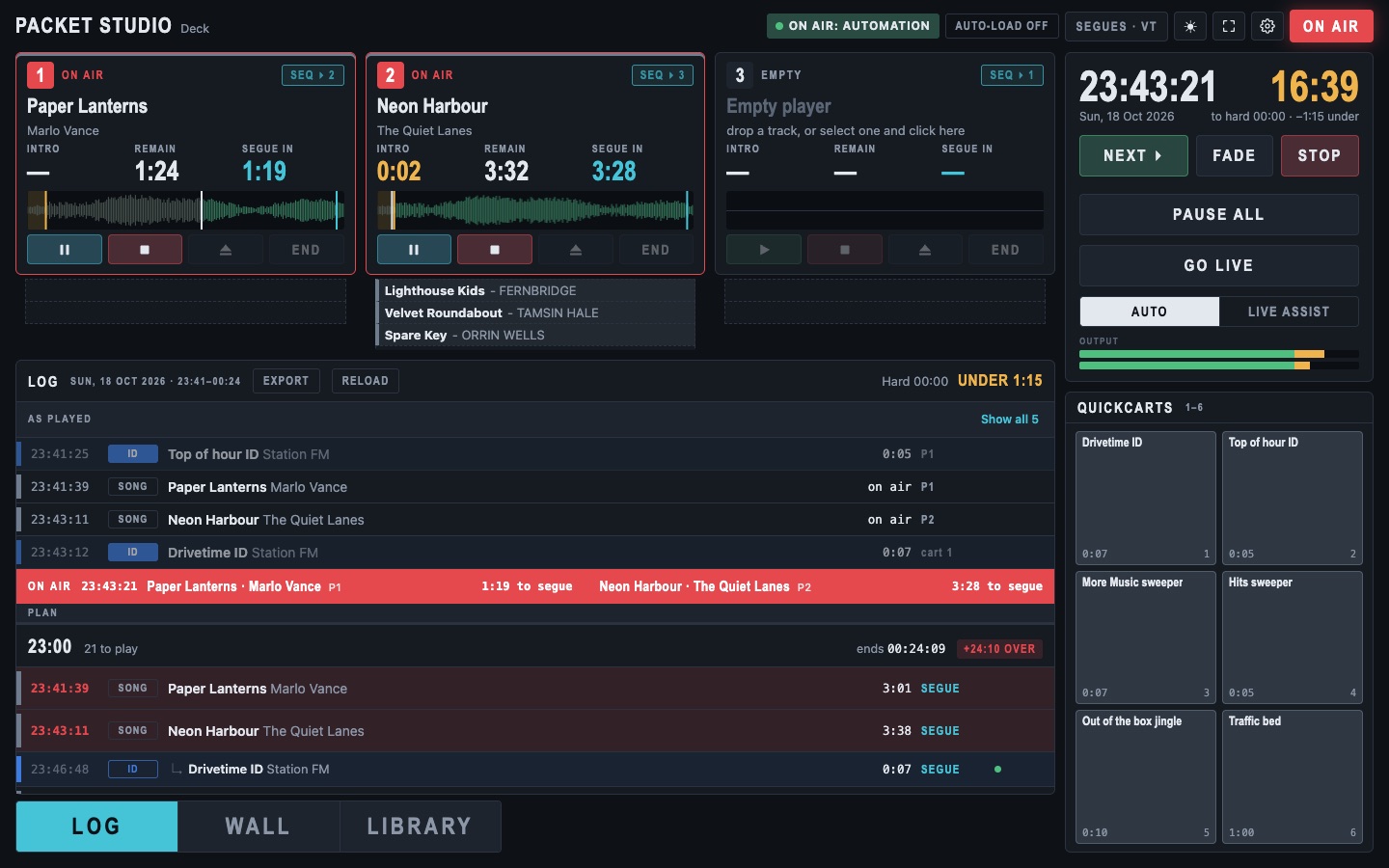
Deck on air: players, the log with the NOW bar, QuickCarts and the time to the hard top of the hour Deck on air: players, the log with the NOW bar, QuickCarts and the time to the hard top of the hour Playout on one computer

Packet Studio Solo

The whole Packet Studio playout on one computer, for DJs, presenters and personal or paid shows.
More about Packet Studio Solo →

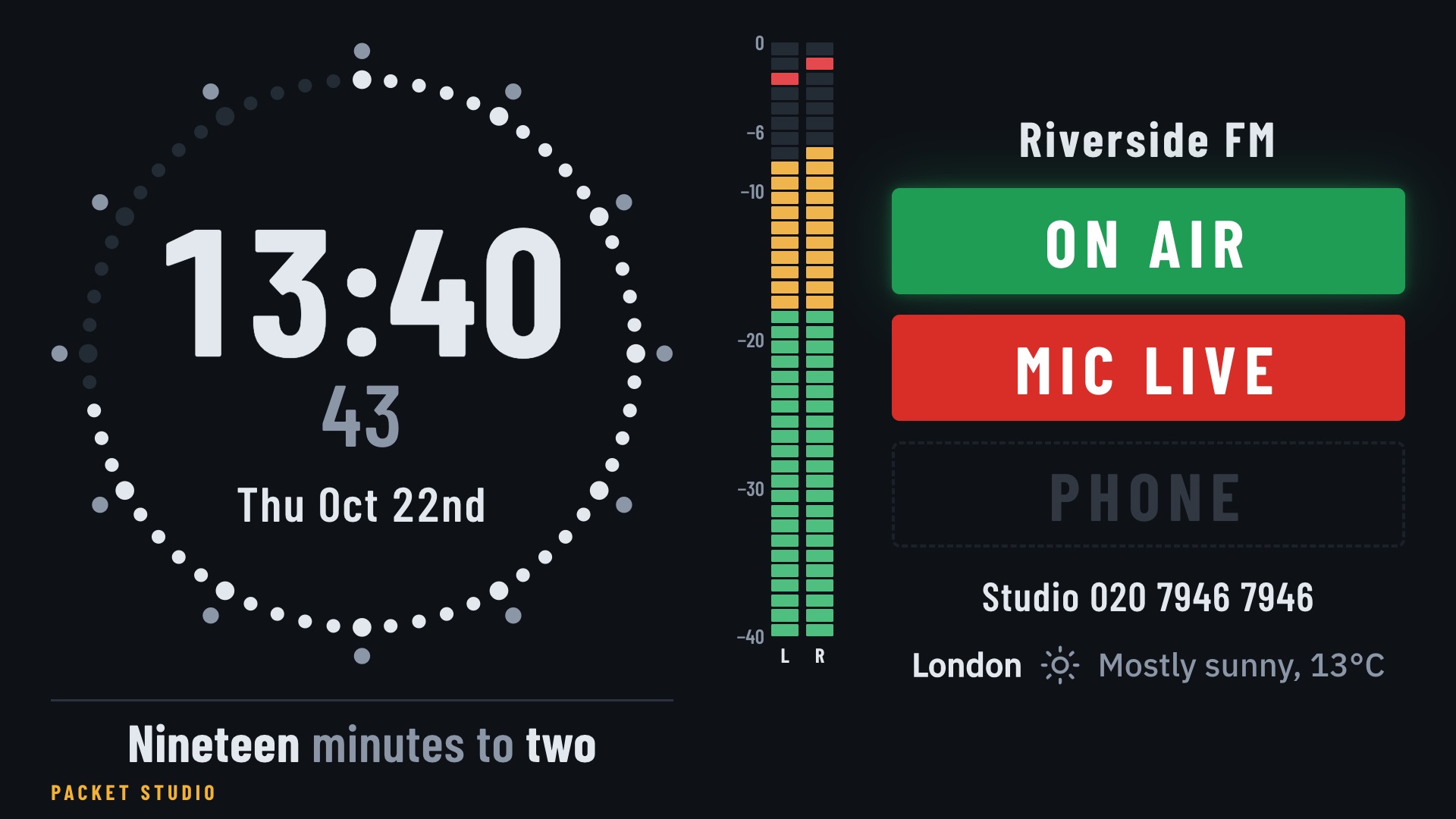
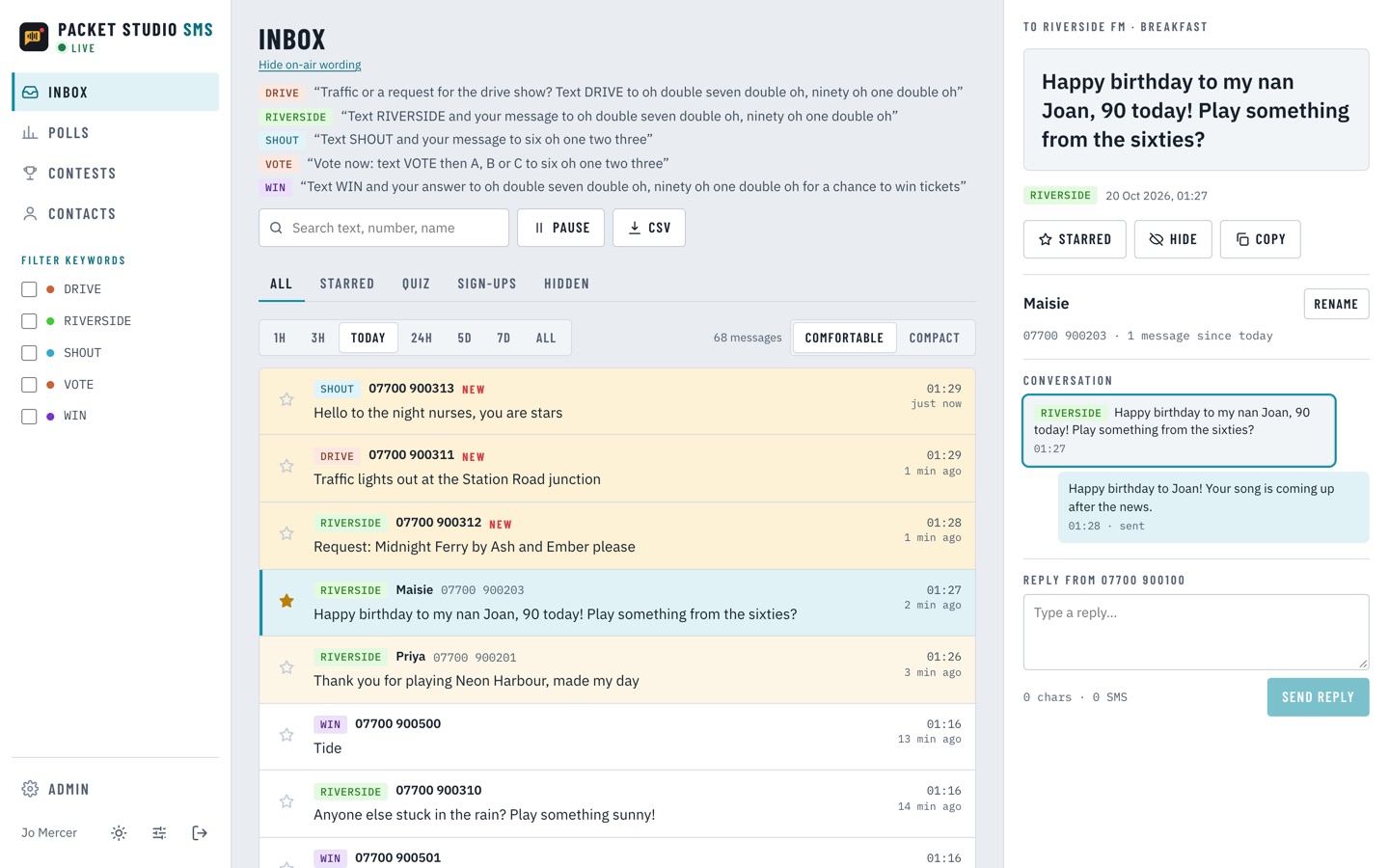
Packet Studio Clock showing the time, ON AIR and MIC LIVE lights, meters and the weather The studio wall clock

Packet Studio Clock

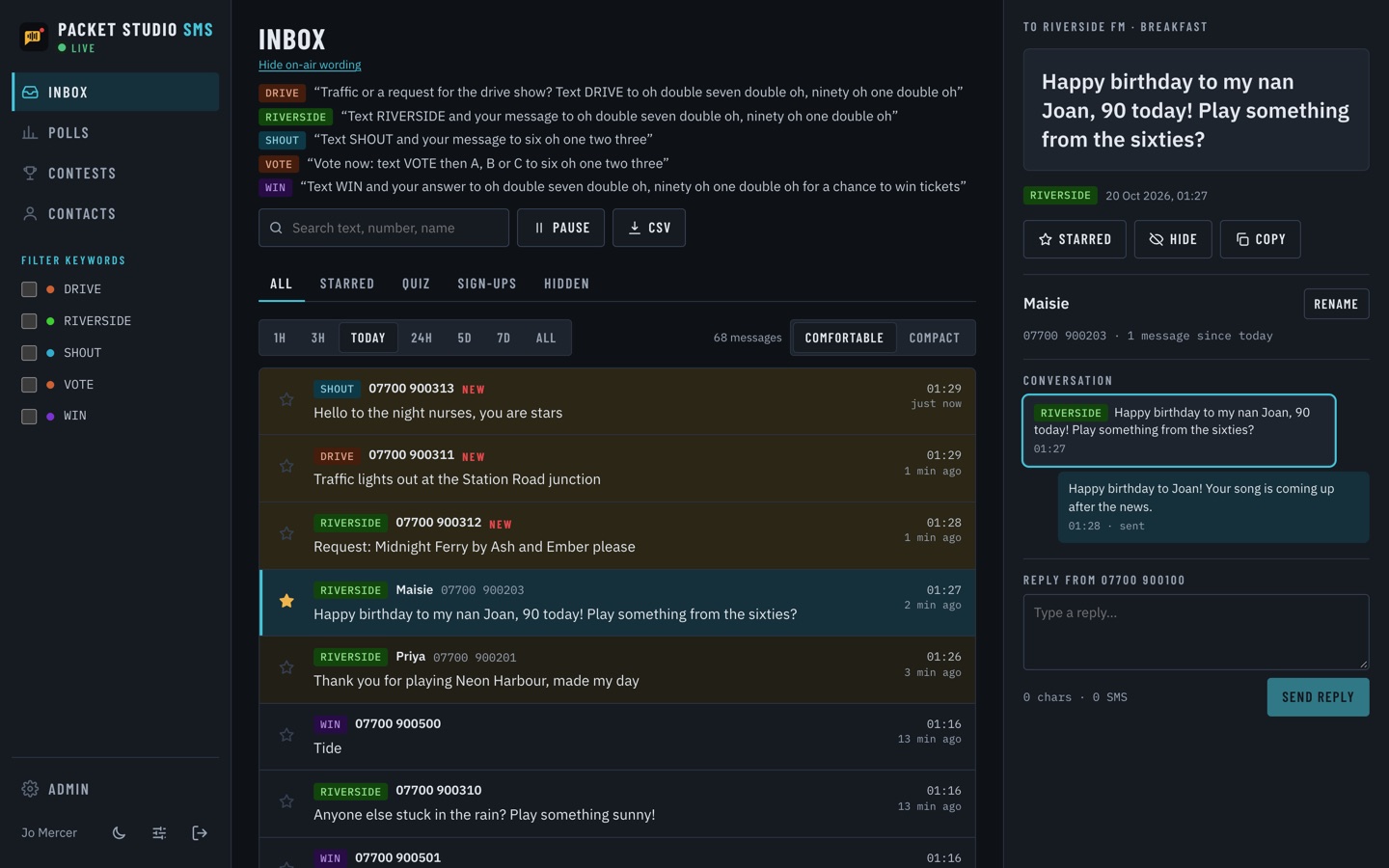
A wall clock and status screen for the studio, with ON AIR and MIC LIVE lights and meters. It runs on any screen, from a TV to a small Raspberry Pi panel.
More about Packet Studio Clock →

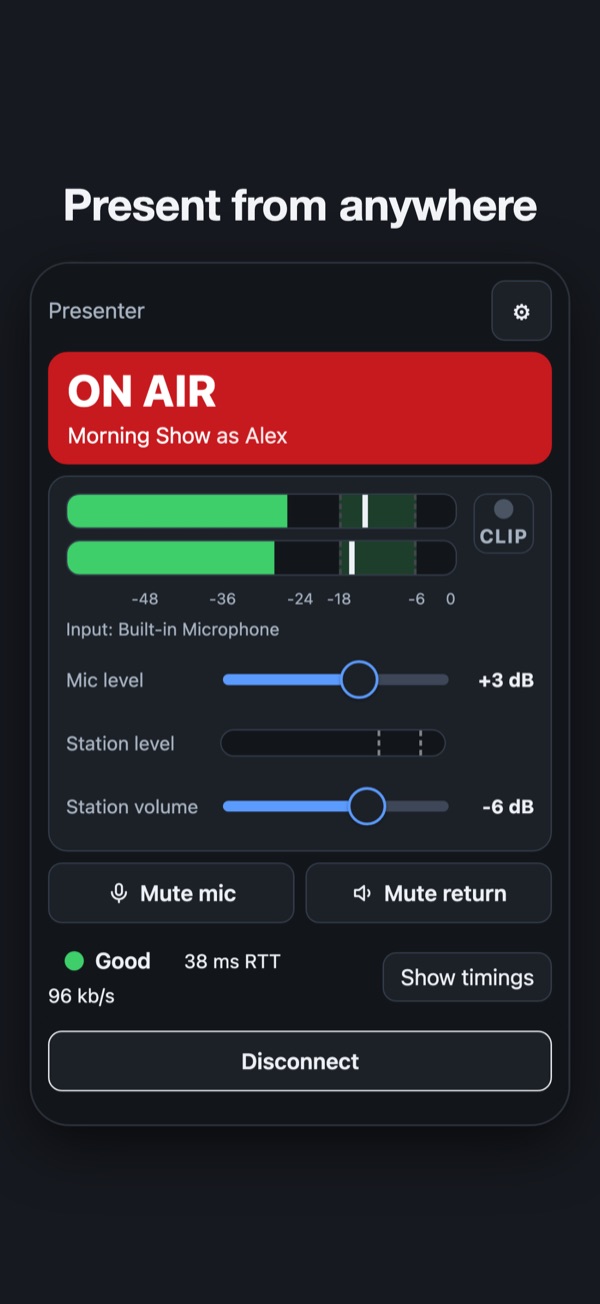
Packet Studio Remote on a phone: ON AIR, level meters, mic and station levels, and the link shown as good Present from anywhere

Packet Studio Remote

Host your live show from home or on the road. Your mic goes to the station over the internet, encrypted, and you hear the station back while you present.
More about Packet Studio Remote →

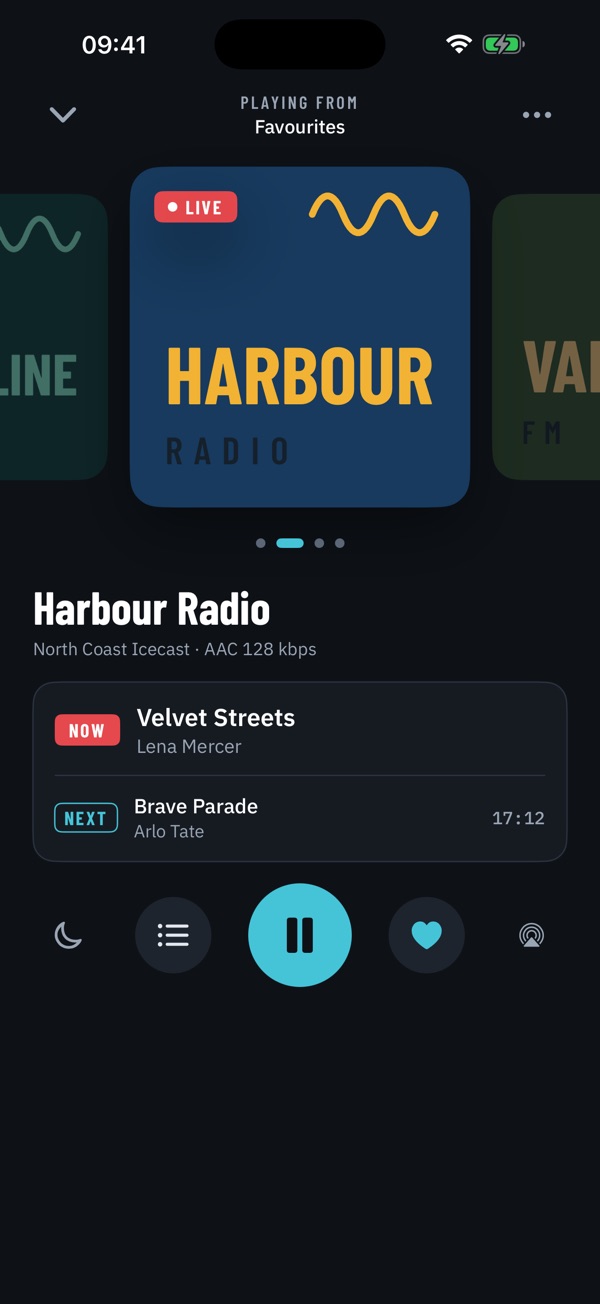
Packet Studio Player's Now playing screen, showing Harbour Radio with the song playing now and the next one Live internet radio

Packet Studio Player

Live internet radio from the Icecast servers and streams you choose, with logos and now and next, on phone, tablet and computer.

More about Packet Studio Player →

On the roadmap

Coming later:

  • Traffic and ad scheduling: book campaigns, build breaks and place spots into the log automatically, with rotation and separation rules.
  • Live reads: schedule live reads and sponsor mentions to the presenter, with on-screen scripts, and confirm each one as it's read for compliance and proof of broadcast.
  • Automatic recordings for clients: mark and cut recordings off-air of each client's spots and reads automatically, ready to send as proof of broadcast.
  • News scripts and cuts: write bulletins and attach audio cuts to each story, ready for the newsreader.
  • Packet Studio Splice, for recording and editing: record and edit audio, and pick out parts of a file to play in any order. Record a studio and a remote voice on separate tracks, edit each on its own, and play the result out in mono.
  • Packet Studio Callbox, for phone-ins: manage callers from a phone app, record calls, and send them to the desk with a mix-minus feed.
  • Live links from Remote: present live links over the automation from home and start the next song yourself. The station's audio reaches you early, so your voice lands on time.
  • Packet Studio Booth, for voice tracking: record your links from home or on the road, straight into the station's log.
  • Shows from outside streams: take a show from another station or a remote encoder, with a fallback if the stream drops.
  • Clock companion: a small app for playout computers that don't run Packet Studio, so Clock can still show their levels, ON AIR and MIC LIVE.
  • Easier categories and playlists: quicker ways to sort the library into categories, with short codes, and build playlists.
  • Station directory: stations sign in to list their streams and where they broadcast, and Player uses it to find stations near you.
  • Off-air compliance logging: record what went to air, around the clock.
  • Optional dead-air takeover: take over automatically when the silence alarm goes off.
  • Backtiming: see when to start the next item so you hit the top of the hour on time.
  • Streaming from Solo: send your show straight to your stream from Solo.
  • Beds under voice tracks: lay music under a voice track.
  • Tally lights from Clock: drive tally lights from a Clock with no screen.
  • Logins and roles: separate access for presenters, producers and voice trackers, and presenters signing in at any studio computer to get their own walls and settings.
  • Presenter uploads: presenters add their own audio for their shows.
  • Roadshow mode: take the studio out on the road with no connection, with the whole library or chosen categories kept on the laptop.
  • Your own print layouts: design how logs and hour sheets print, and print straight from the app.
  • Packet Studio TX, for networks: a box for network affiliates. It takes the network feed and runs each station's own local cuts, news, travel and weather opt-outs and now playing on its own streams, and can switch kit such as RDS traffic announcements, satellite receivers and GPIO as each cut plays. A TX wall in the Deck shows what every station is doing, with proof of play.
  • Scheduler and traffic imports from the systems you already use.

Join the beta