Texts from your listeners
Packet Studio SMS
SMS is a shared text inbox for your studios. Listeners text a keyword, and the right team sees it, answers it and runs the poll or competition from the same screen.
- Numbers and keywords
- Use long numbers or shortcodes. Keywords match at the start of a text, and the longest match wins. Each goes to a team, with optional days and hours, and falls back to the number's main team outside them.
- On-air wording
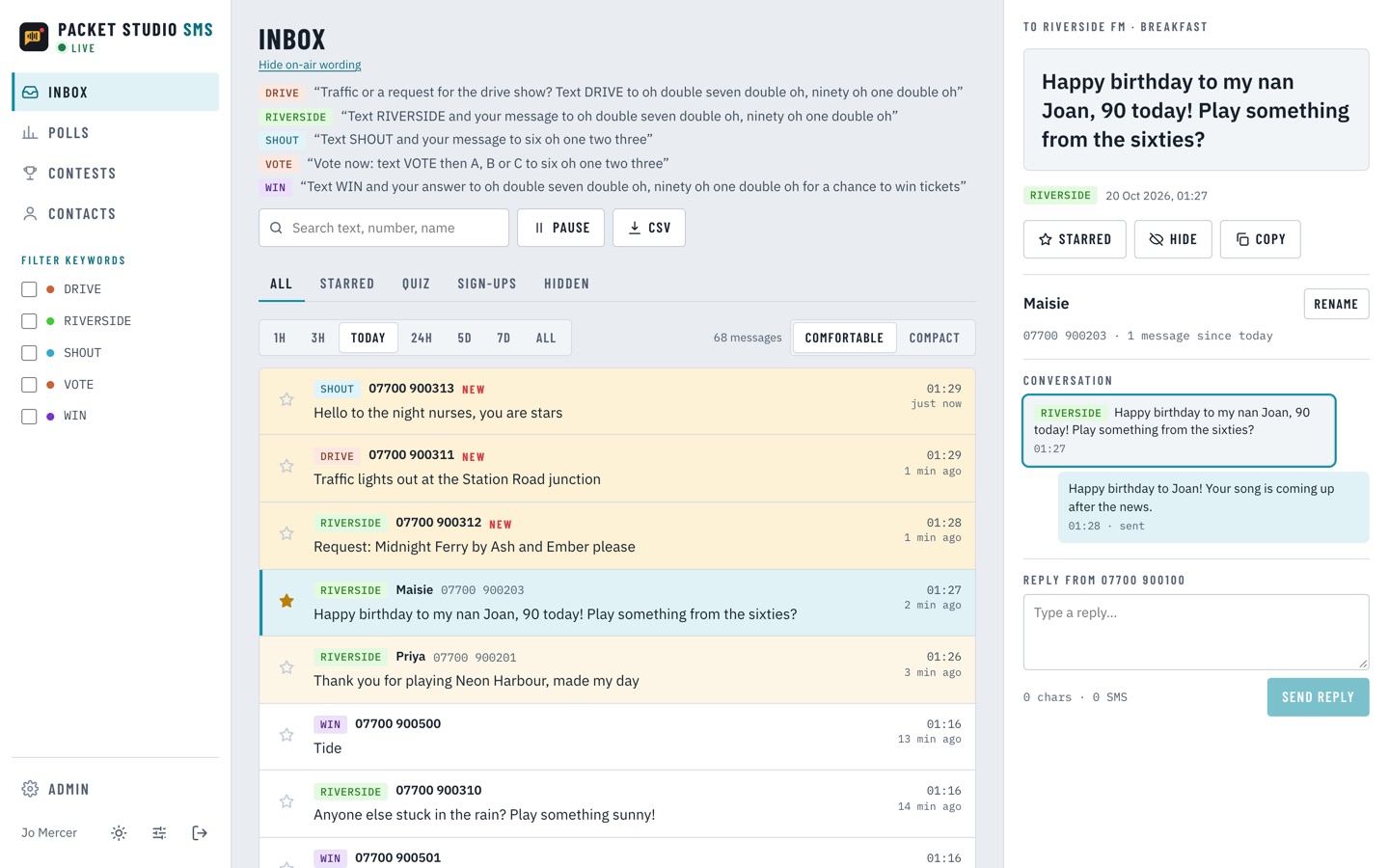
- The inbox shows what presenters read out for each keyword, with the number written as it is spoken.
- Replies
- Reply from the inbox and see the character and SMS count as you type. Auto-replies and opt-out confirmations come from the right number or sender name.
- Polls
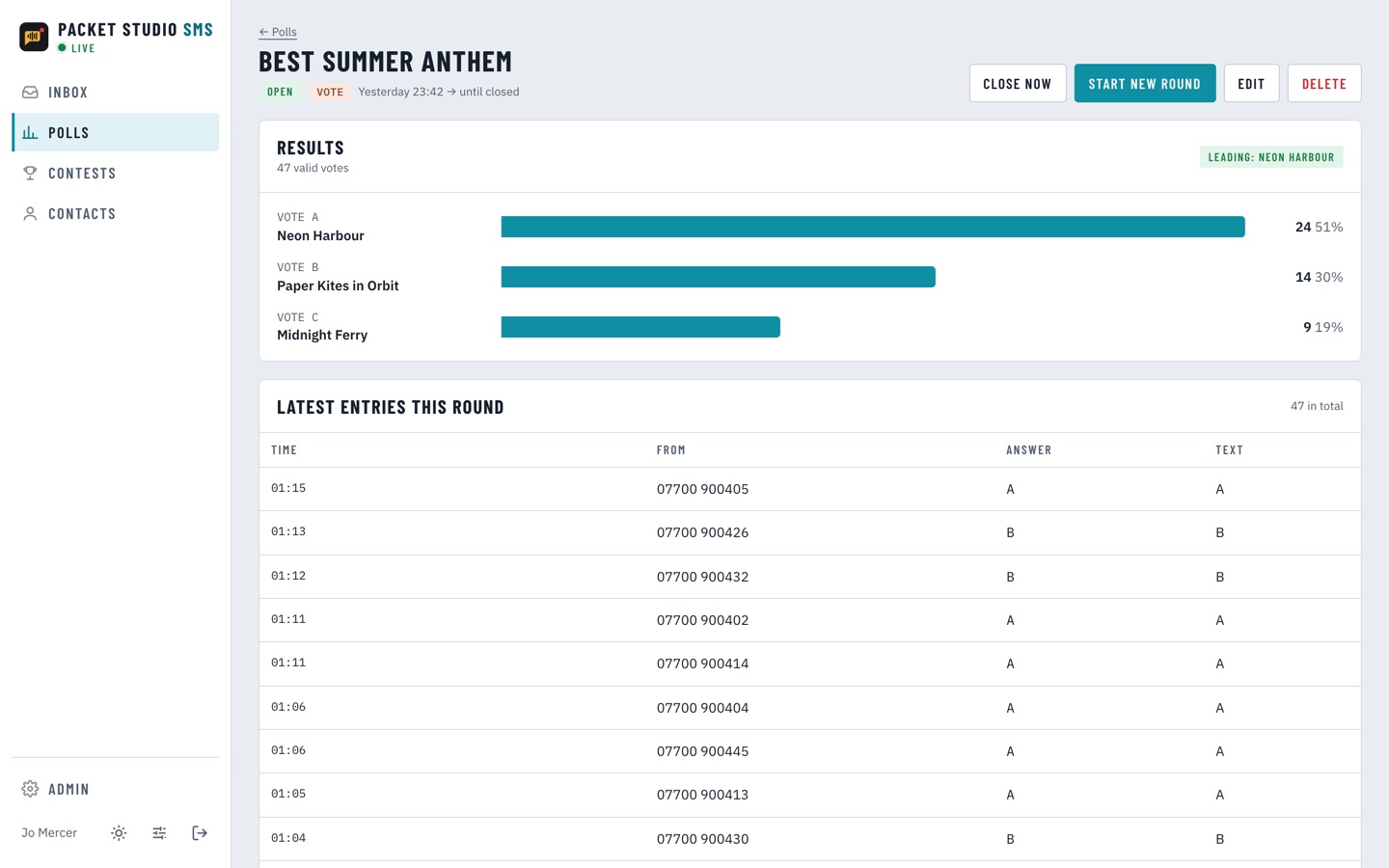
- Live results as the votes arrive. By default each number's first vote is the one that counts.
- Competitions
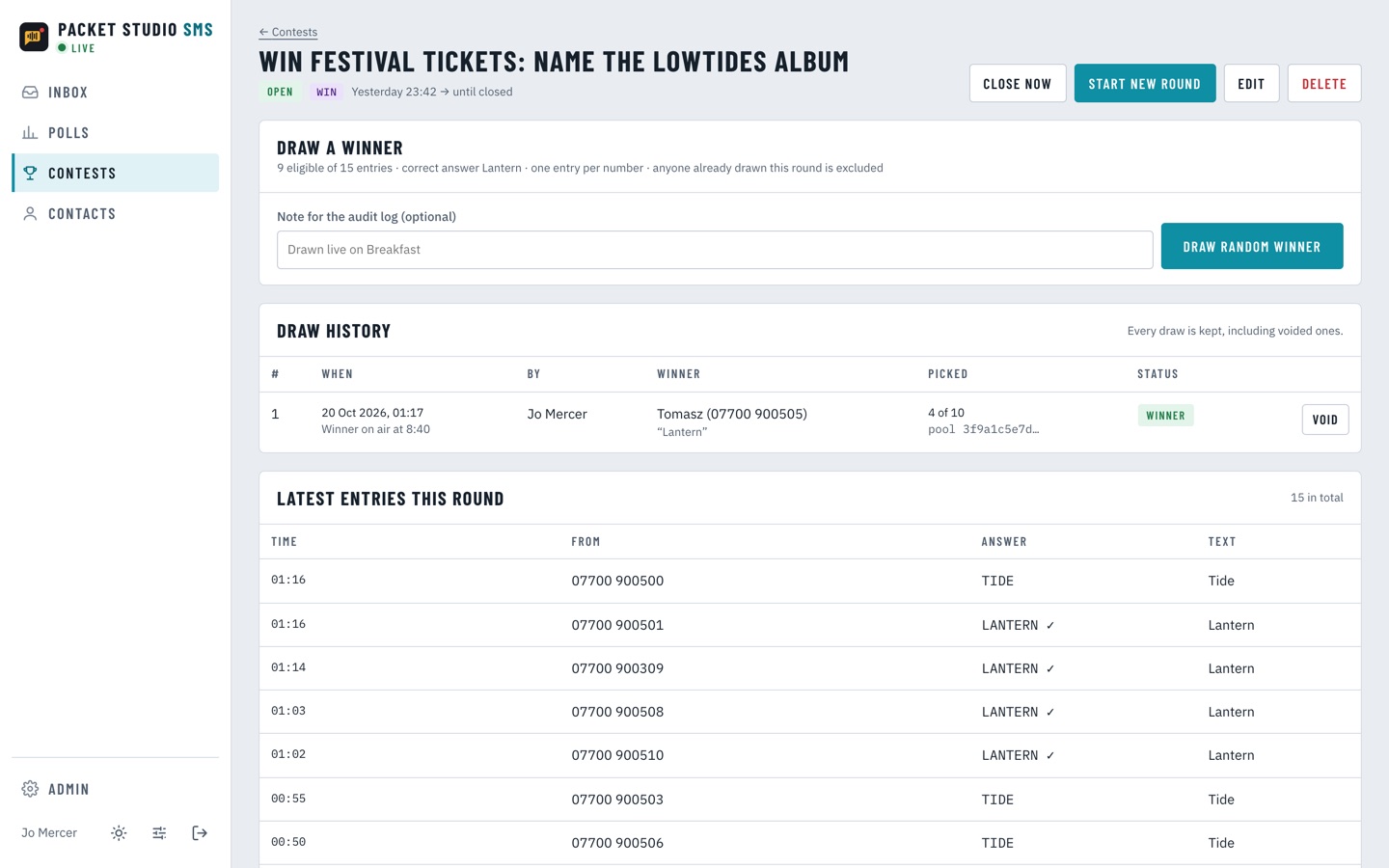
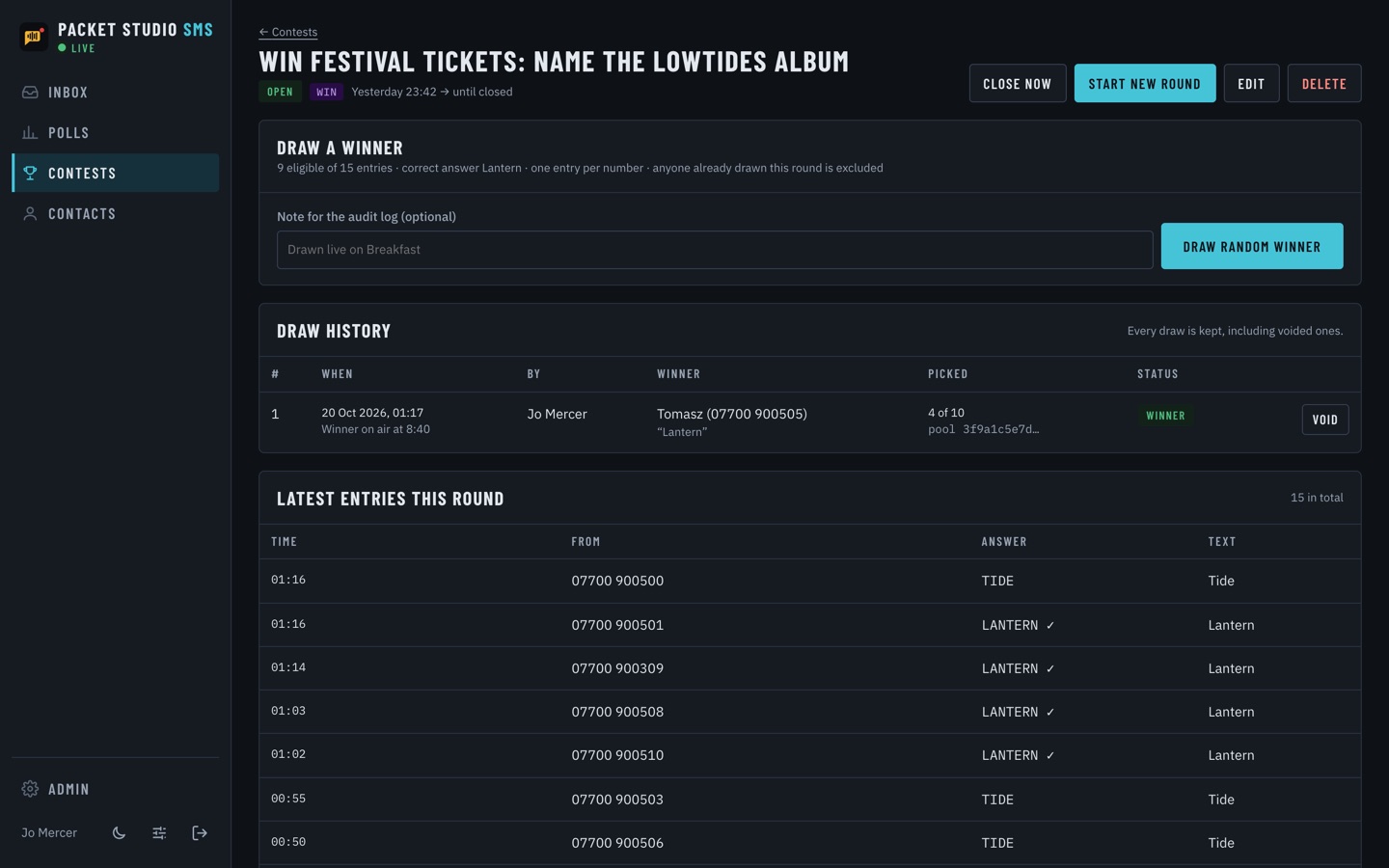
- Entries are checked against the answer and a winner is drawn at random. Anyone already drawn is left out of later draws. Every draw is recorded, including voided ones and why.
- Quiz entries and sign-ups
- A keyword can be a quiz entry or a sign-up, each with its own view in the inbox.
- Recurring rounds
- Start a new round of a poll or competition to restart the count. Earlier rounds stay saved, and no messages are deleted.
- Inbox tools
- Star, hide and search messages, export to CSV, and keep a contact name and conversation history for each number. A compact view suits busy shows.
- Teams
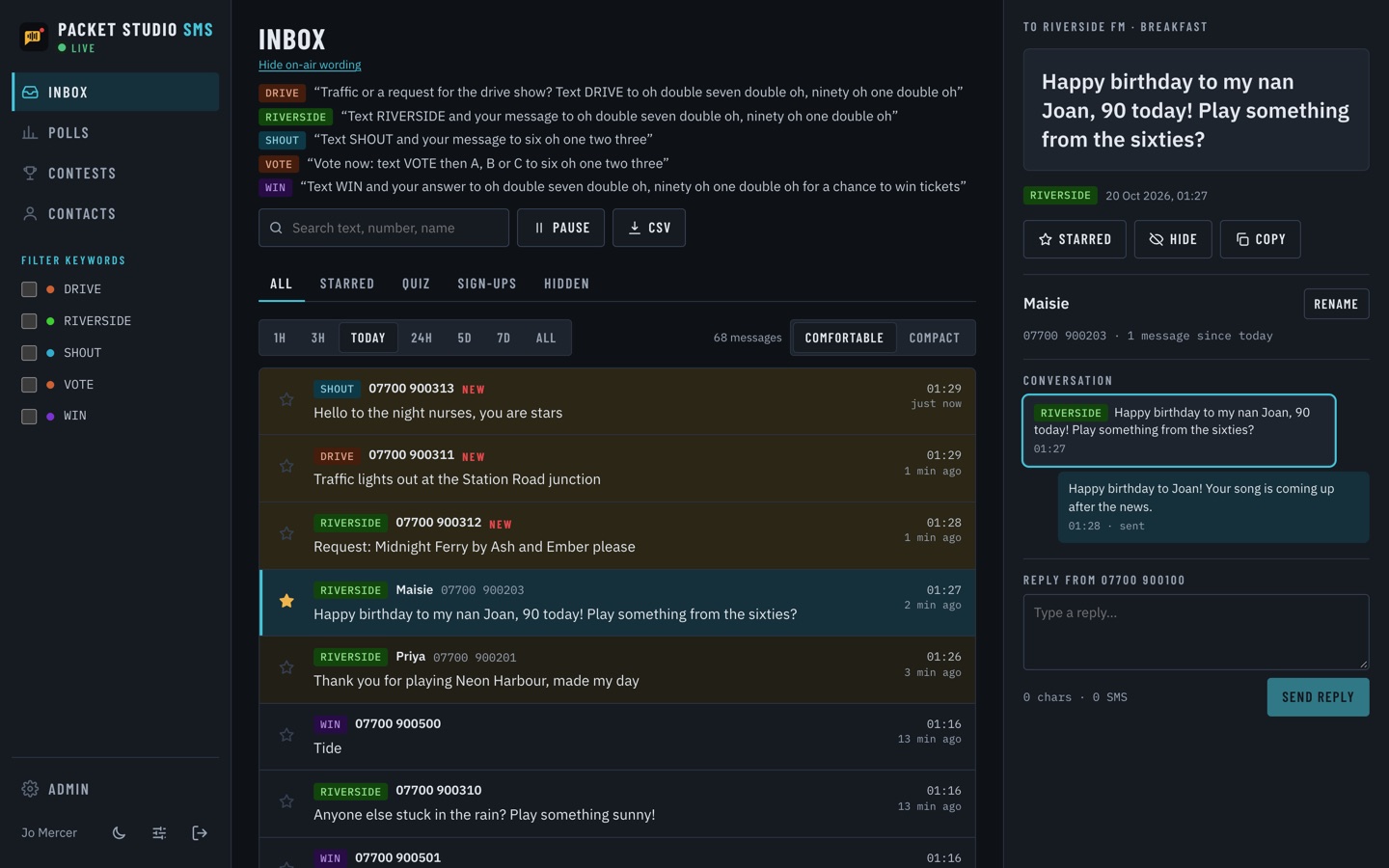
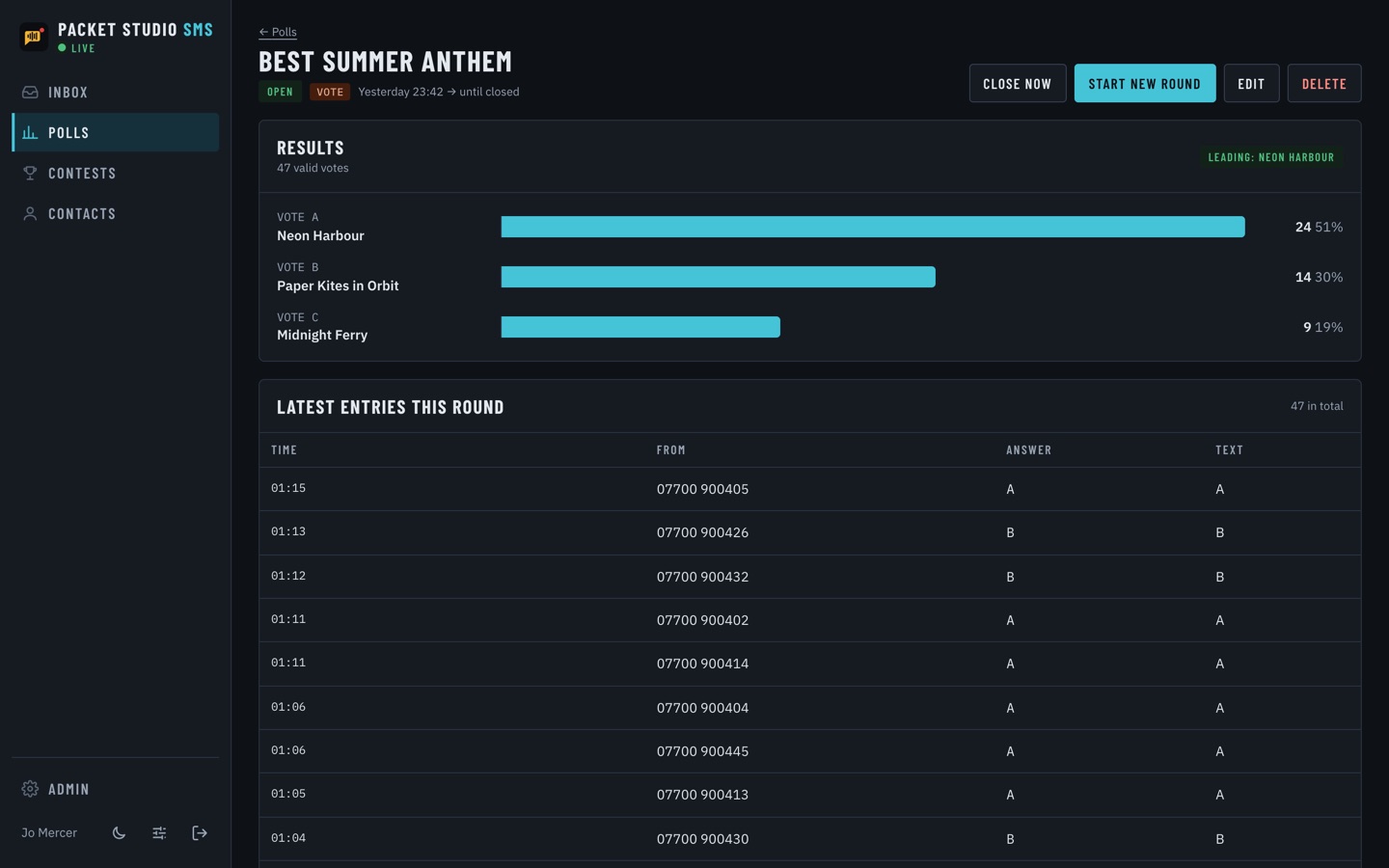
- Each team sees only its own texts, updated live. Admins see everything. Staff sign in with their Packet Studio account, with light and dark themes.
- Opt-outs and privacy
- STOP and START are handled for you. A contact can be erased completely, and old messages can be cleaned up.
What you need
- An account with a supported SMS gateway, and a long number or shortcode from it
- Nothing to install: SMS runs in your web browser