Playout on one computer
Packet Studio Solo
Solo is for mobile and club DJs, hobby and internet broadcasters, presenters running their own shows, and paid work at events. Install, plug in a sound card, play.
- Everything in one install
- Library, scheduler, playout and the Deck together, with automatic marker detection for cue points, segues and intros.
- Your music as it is
- Plays your music files straight from your folders, with no conversion.
- Scheduled, live and voice-tracked
- Clocks and playlists with categories, rotation rules and ad breaks, or live assist with carts and two to four players. Voice tracking is built in.
- Works with the desk
- The RØDECaster Pro II works as it does in the studio. Faders start players and desk levels are shown.
- Clock feed included
- The same wall clock feed as the studio, so a Packet Studio Clock can follow your show. Its address is under Settings → Connections.
- Silence alarm
- If the sound goes quiet on air, the Deck flashes SILENCE with a timer, and so does a connected Packet Studio Clock. You choose the level and the time. It is a warning only.
- Keep explicit songs off air
- Flag explicit songs and keep them off air, if you want to.
- Runs on its own
- Solo does not join a station. For a station, use Packet Studio. Its sound goes out through the computer's sound card, to a desk, a stream encoder or a PA.
- macOS, Windows and Linux
- macOS on Apple silicon and Windows. Linux on x64 with Ubuntu 24.04 or newer, and on Raspberry Pi 4 and 5 with Raspberry Pi OS Trixie or Ubuntu 24.04 or newer.
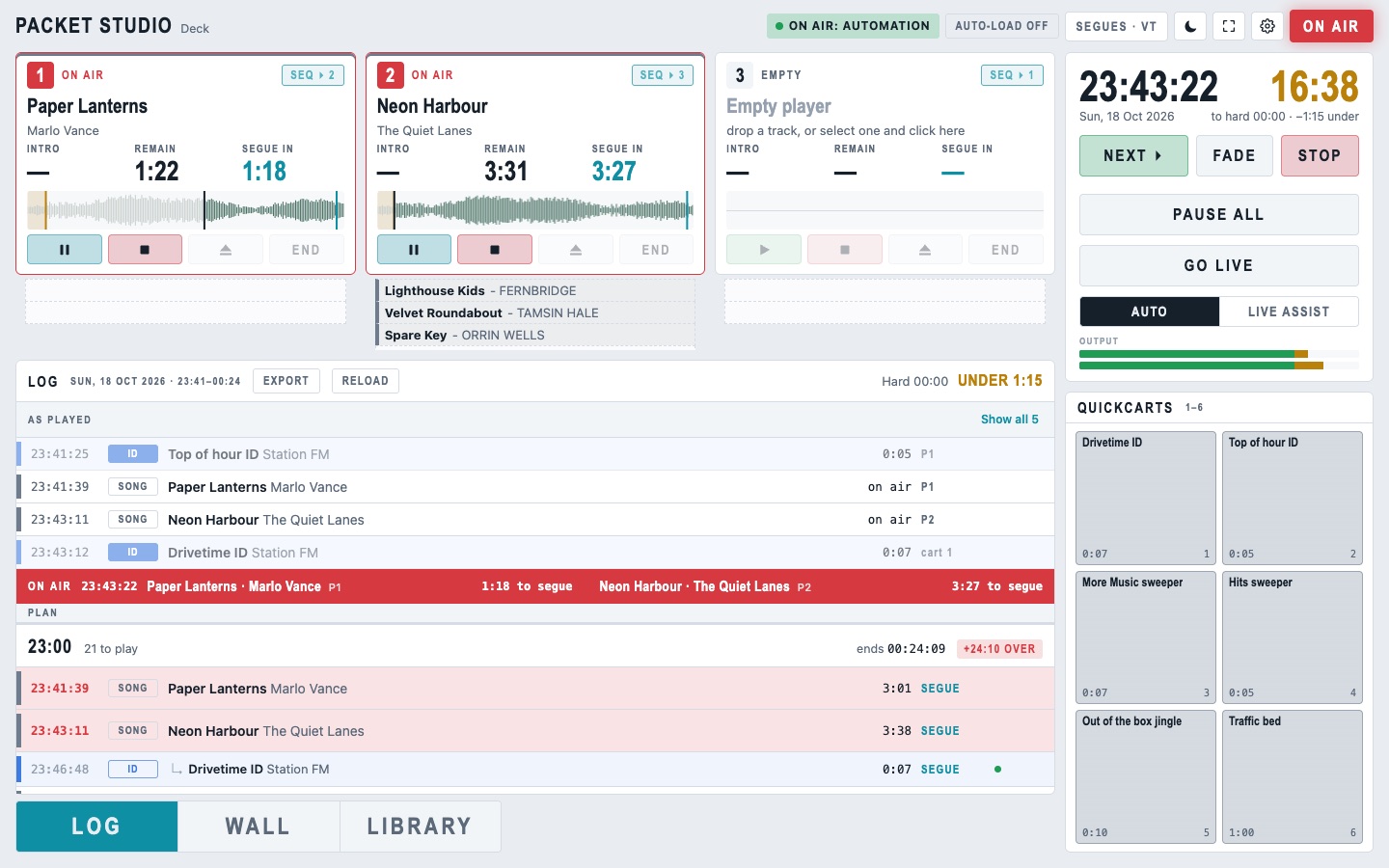
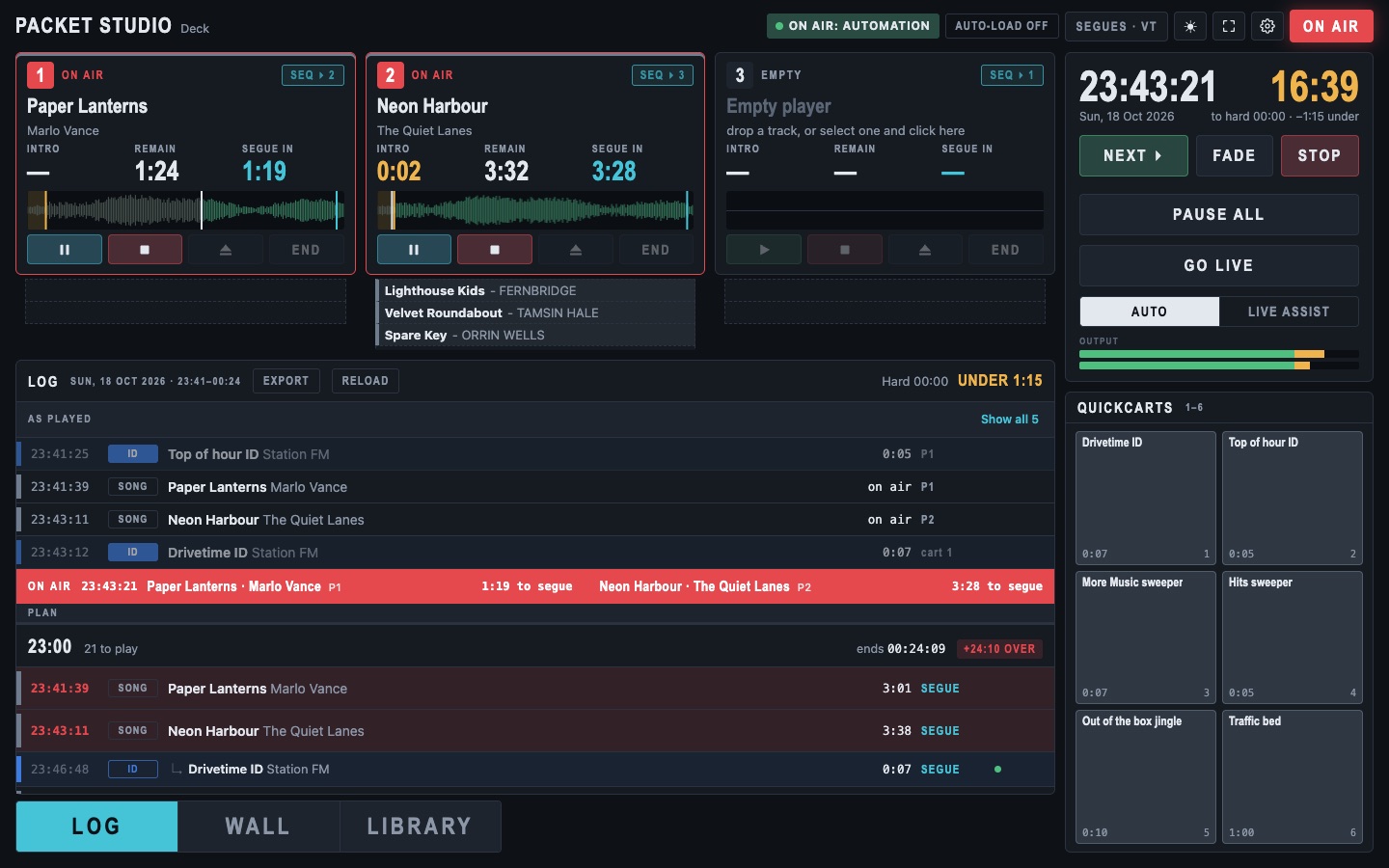
For a station, use Packet Studio.
What you need
- macOS on Apple silicon, or Windows
- Linux on x64 with Ubuntu 24.04 or newer
- Raspberry Pi 4 or 5 with Raspberry Pi OS Trixie or Ubuntu 24.04 or newer
- A sound card