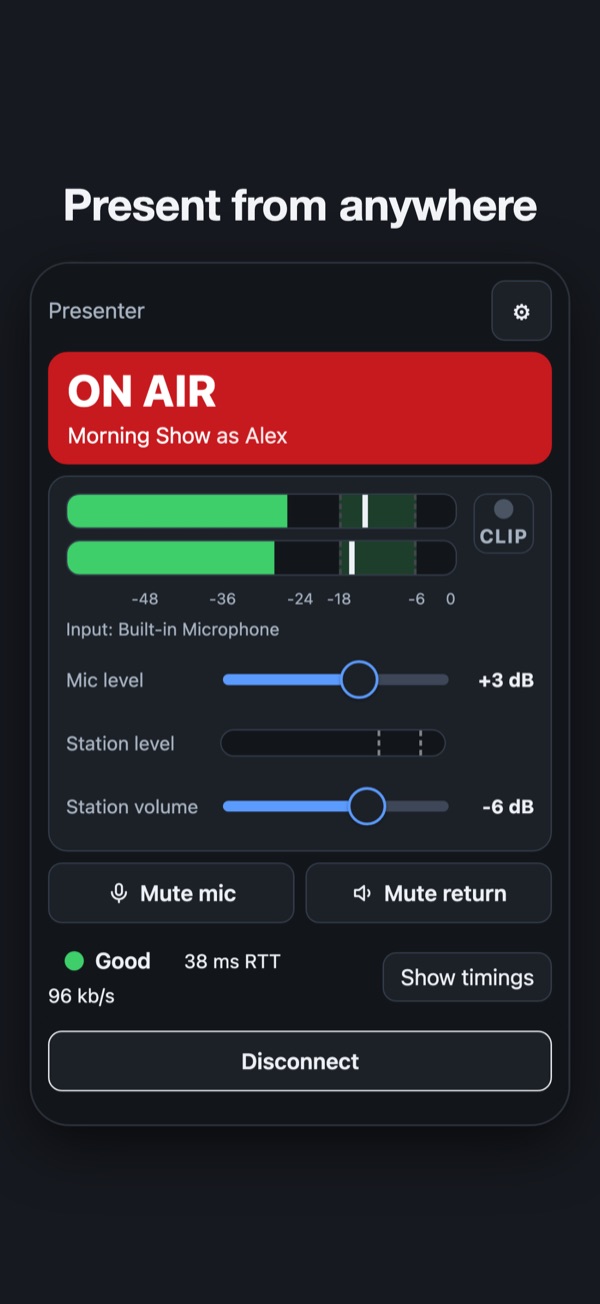
Present from anywhere
Packet Studio Remote
Remote lets a presenter host their live show from home or on the road. Your mic goes to the station over the internet, encrypted, and you hear the station back while you present. It works with your Packet Studio station.
- Connect with a link
- The station sends each presenter a connection link. Paste it in, with nothing technical to type. The app remembers several shows.
- Hear the station
- The station's return has its own volume, with a level check and a line check before you go on air.
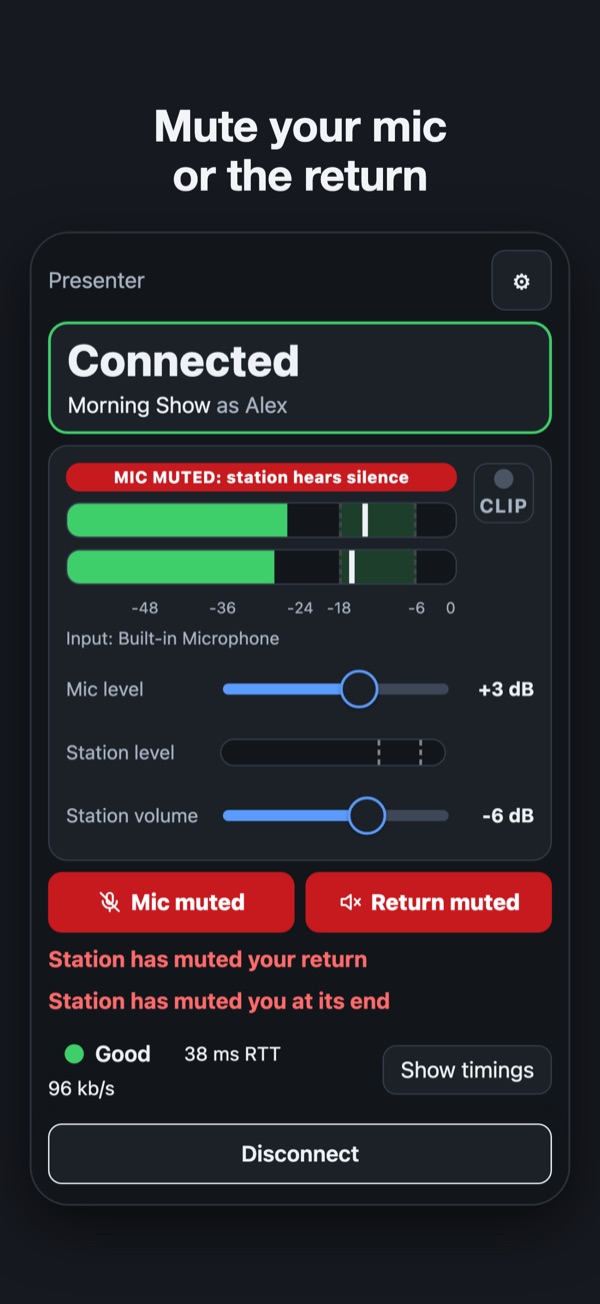
- Mute
- Mute the mic or the return at any time. A muted mic sends silence, so the station never mistakes it for a dropout. The station can mute you too, and you see it.
- Link health at a glance
- Round trip, delay to air and link health in green, amber or red. It adapts by itself, so it works over a VPN and on mobile data.
- Runs in the background
- In the menu bar or system tray on a computer, and with the screen locked on a phone.
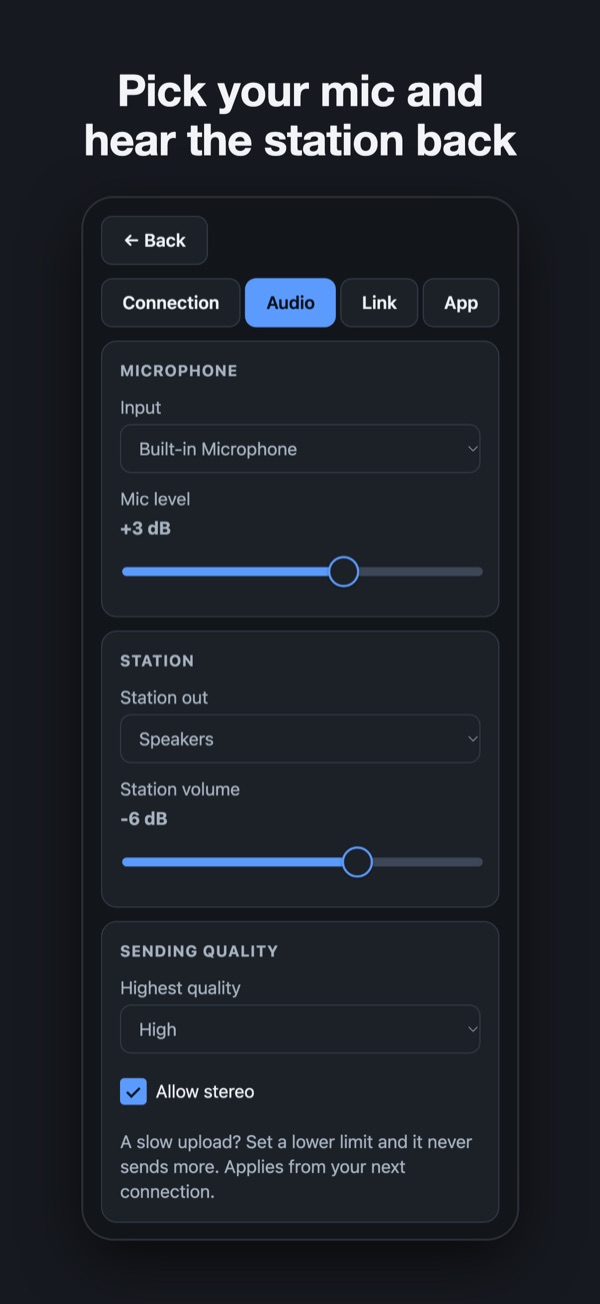
- Voice to music quality
- Good voice quality on a modest connection, up to full stereo for music, with a cap for a slow upload.
- Where it runs
- macOS, Windows, iPhone and iPad, and Android. Bring headphones and a mic: the built-in one, a USB mic or an audio interface. You need broadband or 4G/5G. Live presenting only.
What you need
- macOS, Windows, iPhone and iPad, or Android
- Headphones and a mic: the built-in one, a USB mic or an audio interface
- Broadband or 4G/5G
- A connection link from your station